Work Hours Calculator

Use our free work hours calculator and free pay calculators to easily track, calculate, and manage work hours and earnings. Perfect for employees, freelancers, and payroll teams, they eliminate manual calculations, reduce errors and simplify payroll management.

Daily Hours · Single Day Calculation
:
Work start time
:
Work end time
Shift duration: 8h 00m
Total Working Time: 7h 00m
Day
Start
End
Break (MIN)
Total
Total Weekly Hours: 0h 00m
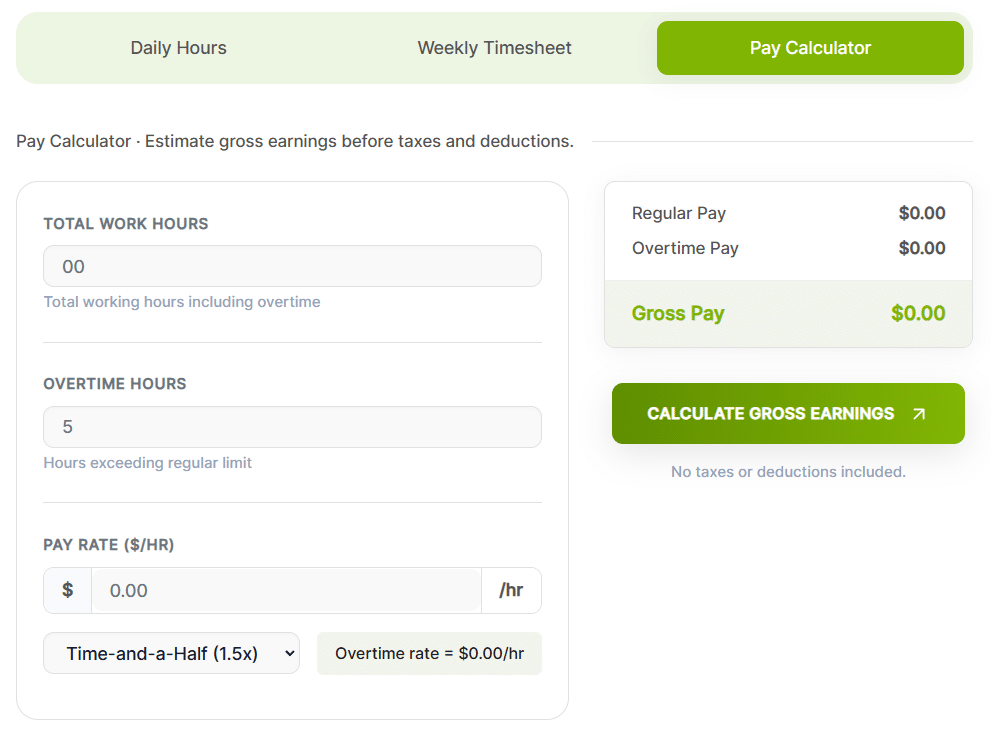
Pay Calculator · Estimate gross earnings before taxes and deductions.
Total working hours including overtime

Hours exceeding regular limit

$
/hr
Overtime rate = $0.00/hr
Regular Pay $0.00
Overtime Pay $0.00
Gross Pay $0.00
No taxes or deductions included.

Too much time lost in manual calculations?

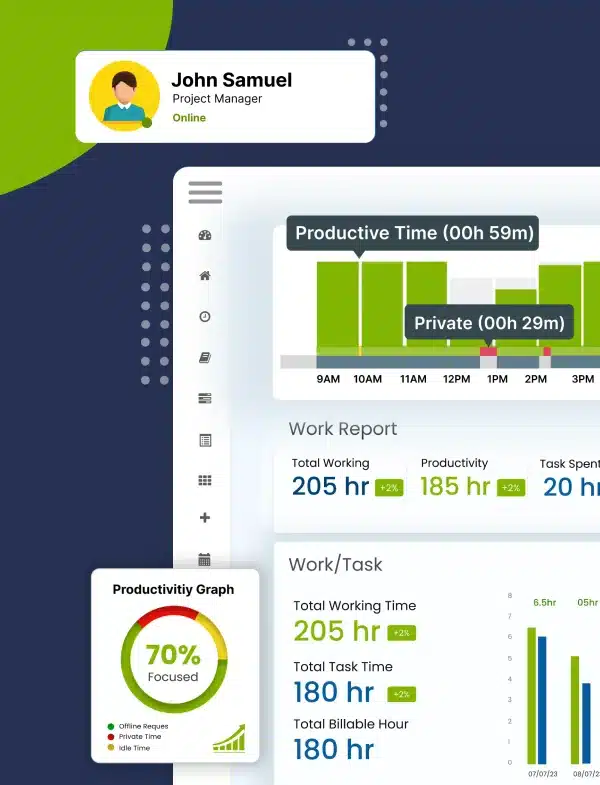
It’s time to automatically track work hours with Desklog! Don't Wait. Automate!

Daily Work Hours Calculator

How the Daily Work Hours Calculator Works
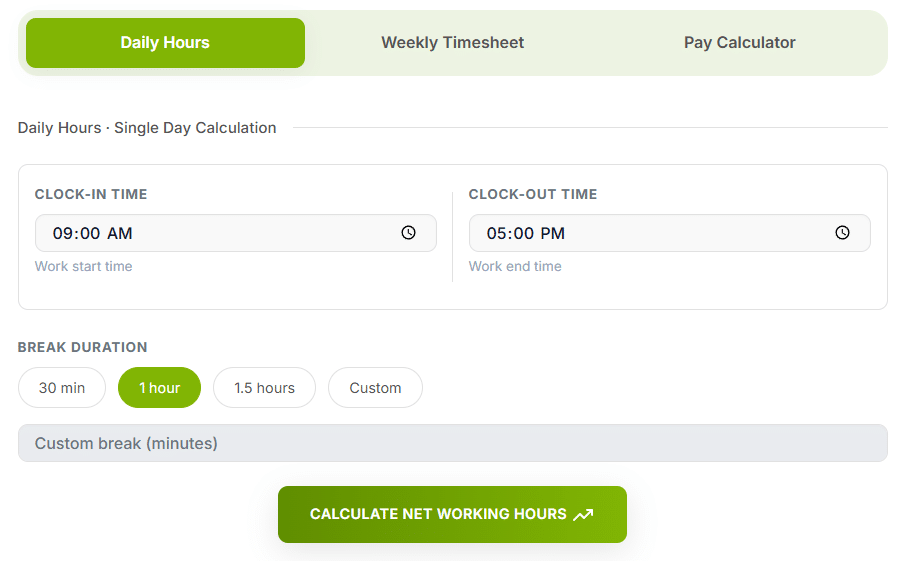
  1. Enter your Clock-In time.
  2. Enter your Clock-Out time.
  3. Add your Break Time.
  4. Click Calculate Work Hours.
  5. Reset to start again.
Daily Work Hours Calculator Interface

Weekly Work Hours Calculator

How the Weekly Work Hours Calculator Works
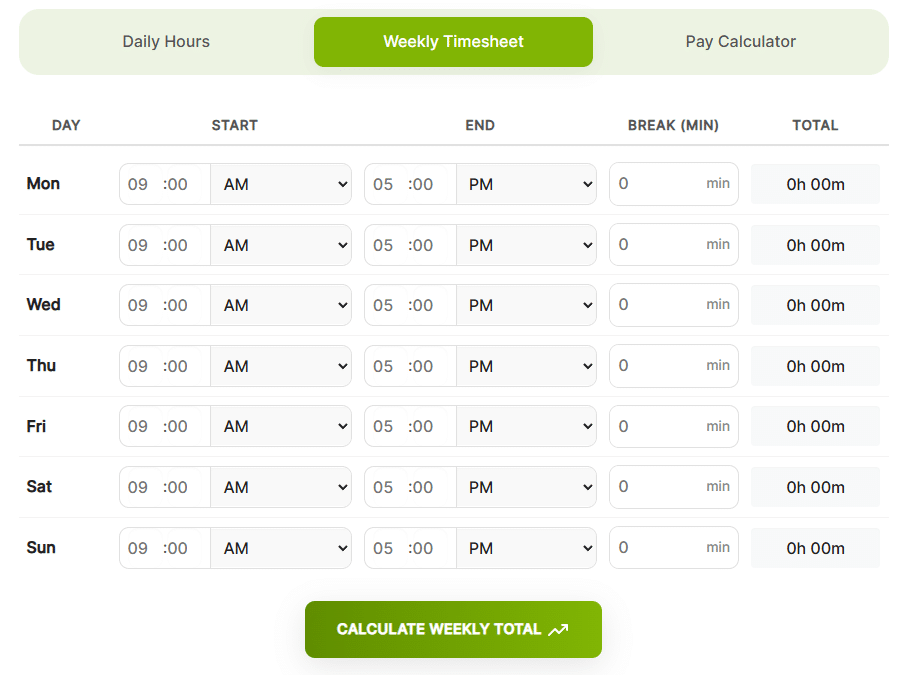
  1. Enter Clock-In times.
  2. Enter Clock-Out times.
  3. Add Break Minutes.
  4. Repeat for all working days.
  5. Click Calculate.
  6. View Total Hours & Overtime.
Weekly Work Hours Calculator Interface

Pay Calculator

How the Pay Calculator Works

  1. Enter Total Work Hours.
  2. Enter Overtime Hours
  3. Enter Pay Rate i.e Rate Per Hour
  4. Select Overtime Rate (Regular, 1.5x or 2x)
  5. Click Calculate Pay
Pay Calculator Interface

What Is a Work Hours Calculator?

A Work Hours Calculator is a digital tool that automatically calculates total hours worked by inputting start/end times, factoring in breaks and can determine regular vs. overtime pay, simplifying payroll, time tracking and ensuring legal compliance for employees and businesses. It saves manual math and errors, allowing for quick calculation of daily, weekly, or project-based hours in formats like hours/minutes or decimal hours.

How to Convert Work Hours to Decimal Format

Payroll systems calculate pay using decimal hours, not the hours-and-minutes format most people track time in. If your timesheet shows 7 hours and 45 minutes, payroll needs that written as 7.75 hours before it can be multiplied by an hourly rate.

To convert minutes to decimal hours:

45 min ÷ 60 = 0.75 → 7h 45m = 7.75 hours

To convert decimal hours back to minutes:

0.25 × 60 = 15 min → 7.25 hours = 7h 15m
MinutesDecimalMinutesDecimal
50.08350.58
100.17400.67
150.25450.75
200.33500.83
300.50601.00

Our calculator handles this conversion automatically, but understanding the math helps you spot errors before they hit payroll.

Work Hours Quick Reference

Standard full-time figures, assuming a 5-day, 8-hour schedule with no overtime or unpaid leave.

8hWork Day
40hWork Week
173.3hWork Month
2,080hWork Year
30–35hPart-time week

How do I calculate my work hours?

To calculate your work hours from work hour calculator, subtract your clock-in time from your clock-out time and then deduct any break time taken during the day. For example, if you start work at 9:00 AM and finish at 5:00 PM, that’s 8 hours, and if you took a 1-hour break, your total work time would be 7 hours. You can also use a work hours calculator to get instant, accurate results without manual calculations or errors.

Understanding Overtime Rules Before You Calculate Pay

Overtime thresholds vary by country and, in the US, by state — so the "right" overtime rate depends on where your team is based.

US FLSA

Overtime after 40 hrs/week, generally 1.5×. Some states add daily overtime after 8 hrs/day.

UK Working Time Regs

No statutory overtime premium — contract-based. Average week capped at 48 hrs unless opted out.

IN Factories Act

Typically 2× pay once daily/weekly limits (commonly 9 hrs/day or 48 hrs/week) are exceeded.

CA Provincial Rules

Set provincially — most require 1.5× after 44 or 48 hours per week.

Always confirm current thresholds with your local labor authority or HR/legal advisor — rules change and this tool doesn't file compliance on your behalf.

Still Tracking Hours Manually? Switch to Desklog

Stop calculating hours the hard way. Let Desklog track, log, and report your work automatically.

Try Desklog Free Now!

Frequently Asked Questions

Everything you need to know about Desklog

A Work Hours Calculator automatically calculates total hours worked by inputting start and end times, factoring in breaks and overtime, making payroll, time tracking, and project management easier.

Yes. Use the Daily Calculator for single days and the Weekly Calculator to sum up multiple days automatically.

Yes! All tools account for shifts that cross midnight.

Enter break time in minutes, and it will be automatically deducted from your total hours.

Enter your total and overtime hours, select your hourly rate and overtime multiplier, then click Calculate Pay to get accurate earnings.

Yes. The Pay Calculator supports standard overtime rates: 1.5× and 2×.

Yes. Click Reset or Clear All on any calculator to start fresh without reloading the page.

All calculators support hours/minutes, seconds, and decimal hour formats for flexibility.

Yes. All calculators are completely free and web-based, requiring no download or signup.

Absolutely. By accurately tracking hours and calculating pay, these tools simplify payroll and help ensure legal compliance for employees and businesses.

A standard full-time month averages about 173.3 hours, based on a 40-hour week (40 × 52 weeks ÷ 12 months). The exact figure varies month to month depending on how many weekdays it contains.

Regular time shows hours and minutes (e.g., 7h 45m); decimal hours convert the minutes into a fraction of an hour (e.g., 7.75). Payroll systems calculate pay using decimal hours, since it's a straightforward multiplication by an hourly rate.

The calculator deducts whatever break duration you enter from the total. Whether a break is paid or unpaid depends on your employment contract or local labor law — check with HR or your local labor authority if you're unsure which applies to you.

This tool is built for single-person daily and weekly totals. For a team, a tracking and timesheet system that automates entry per employee is more practical than running individual calculations.